hugo安装配置
安装
- Apple
- Orange
构建标准版
go install github.com/gohugoio/hugo@latest
构建扩展版
CGO_ENABLED=1 go install -tags extended github.com/gohugoio/hugo@latest
构建扩展/部署版
CGO_ENABLED=1 go install -tags extended,withdeploy github.com/gohugoio/hugo@latest
brew install hugo
查看版本
$ hugo version
hugo v0.157.0+extended+withdeploy darwin/arm64 BuildDate=2026-02-25T16:38:33Z VendorInfo=Homebrew
创建项目框架
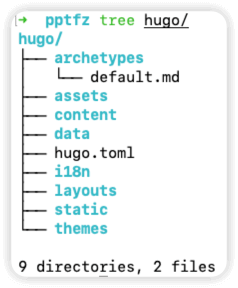
在 hugo 目录中创建项目框架
$ hugo new project hugo
Congratulations! Your new Hugo project was created in /Users/pptfz/Desktop/pptfz/hugo.

Just a few more steps...

1. Change the current directory to /Users/pptfz/Desktop/pptfz/hugo.
2. Create or install a theme:
   - Create a new theme with the command "hugo new theme <THEMENAME>"
   - Or, install a theme from https://themes.gohugo.io/
3. Edit hugo.toml, setting the "theme" property to the theme name.
4. Create new content with the command "hugo new content <SECTIONNAME>/<FILENAME>.<FORMAT>".
5. Start the embedded web server with the command "hugo server --buildDrafts".

See documentation at https://gohugo.io/.
克隆主题
将 Ananke 主题克隆到 themes 目录中,将其作为 Git 子模块添加到项目中
cd hugo
git init
git submodule add https://github.com/theNewDynamic/gohugo-theme-ananke.git themes/ananke
在项目配置文件中添加一行,指示当前主题
echo "theme = 'ananke'" >> hugo.toml
启动服务
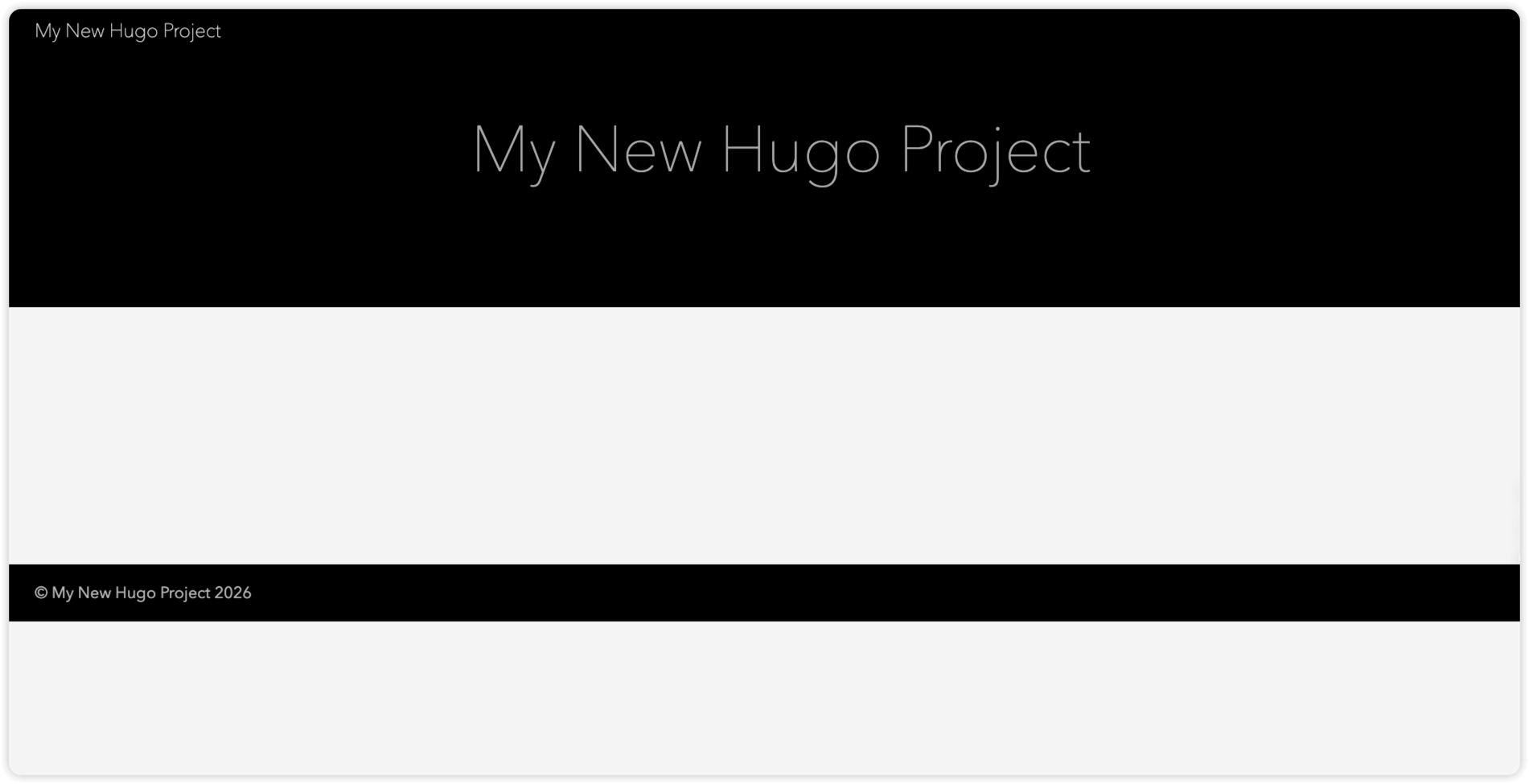
hugo server
浏览器访问 http://localhost:1313 ,初始页面如下
添加内容
hugo new content content/posts/my-first-post.md
文件默认内容如下
说明
文件中 draft 的默认值是 true ,默认情况下,hugo在构建项目时不会发布草稿内容 官方文档说明
+++
date = '2026-03-10T16:42:38+08:00'
draft = true
title = 'My First Post'
+++
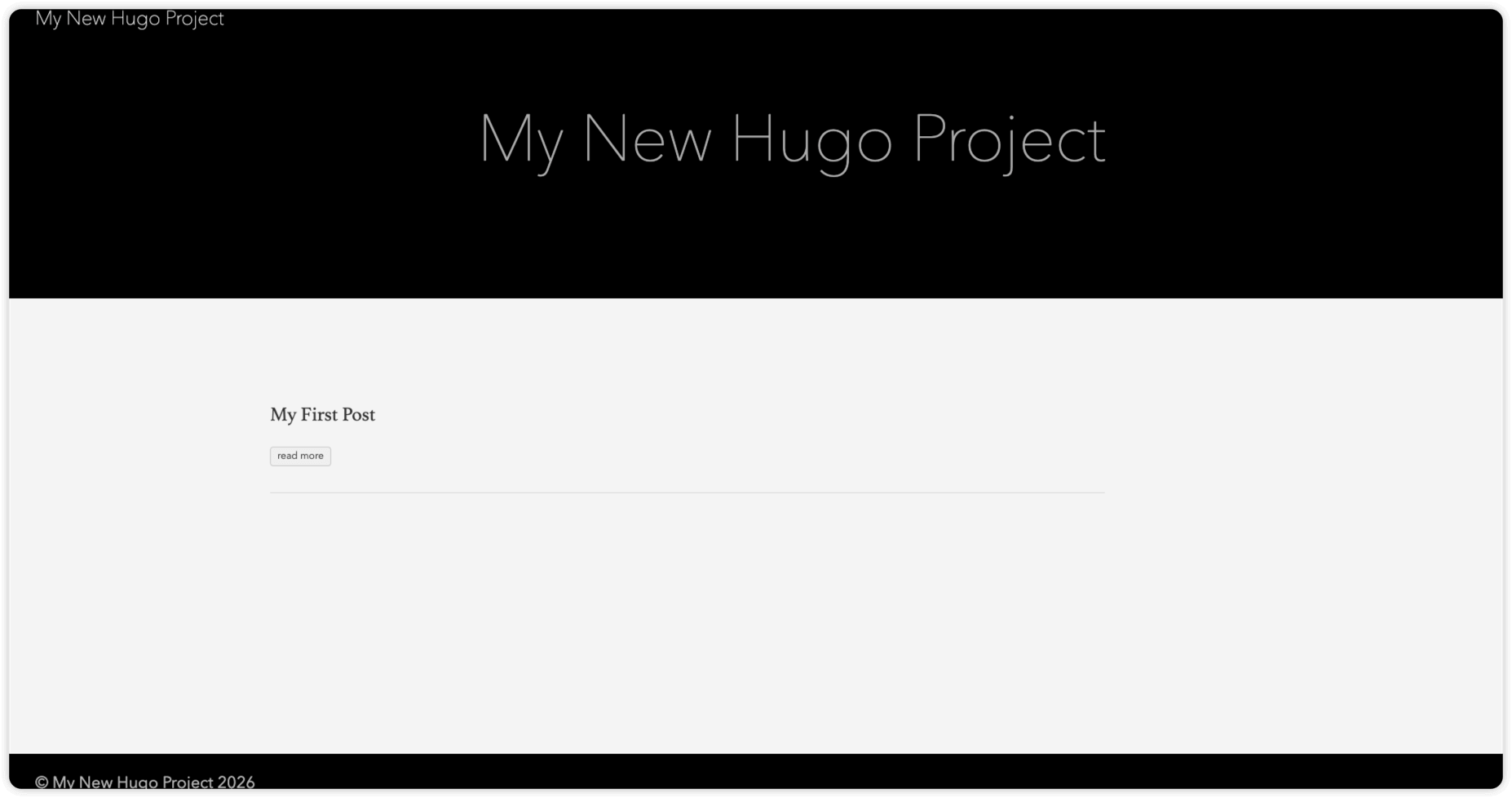
运行以下任意命令启动hugo服务并包含草稿内容
说明
hugo server --buildDrafts
hugo server -D
访问效果如下
配置项目
hugo.toml 默认内容如下,更多项目配置可参考 官方文档
baseURL = 'https://example.org/'
languageCode = 'en-us'
title = 'My New Hugo Project'
theme = 'ananke'
| 参数 | 说明 |
|---|---|
baseURL | 项目的访问域名 |
languageCode | 项目的地区 |
title | 项目的标题 |
theme | 项目的主题 |
配置完成后启动hugo服务查看更改
hugo server -D
发布项目
说明
当发布项目时,Hugo 会将所有构建工件渲染到项目根目录中的 public 目录中。这包括每个站点的 HTML 文件,以及图像、CSS 和 JavaScript 等资产
hugo