OpenCode接入模型
阿里云百炼 Coding Plan
访问 阿里云百炼 Coding Plan 购买套餐,购买后按照提示获取套餐专属API Key
编辑配置文件
编辑 ~/.config/opencode/opencode.json ,写入以下内容,替换实际的apikey
说明
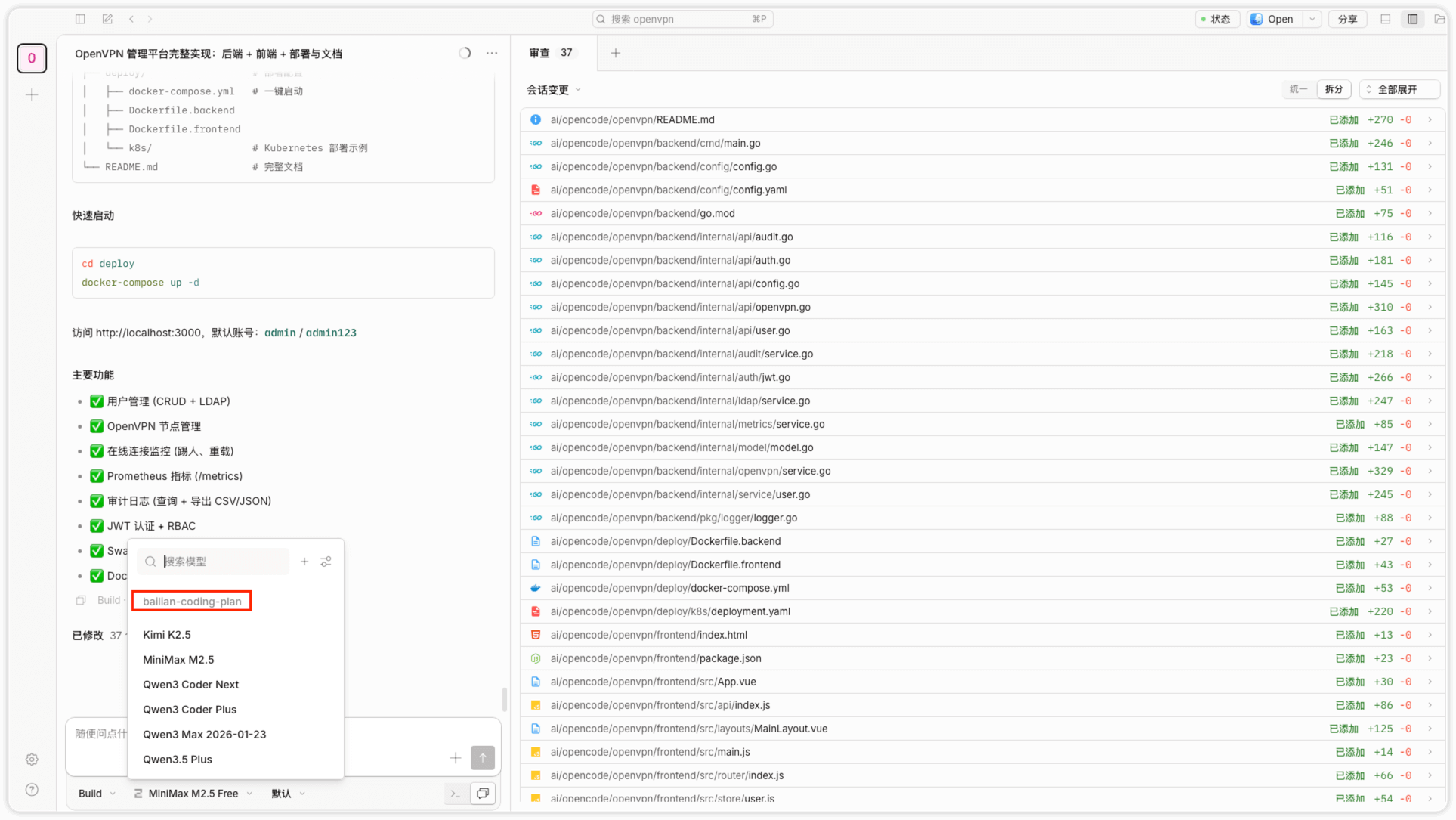
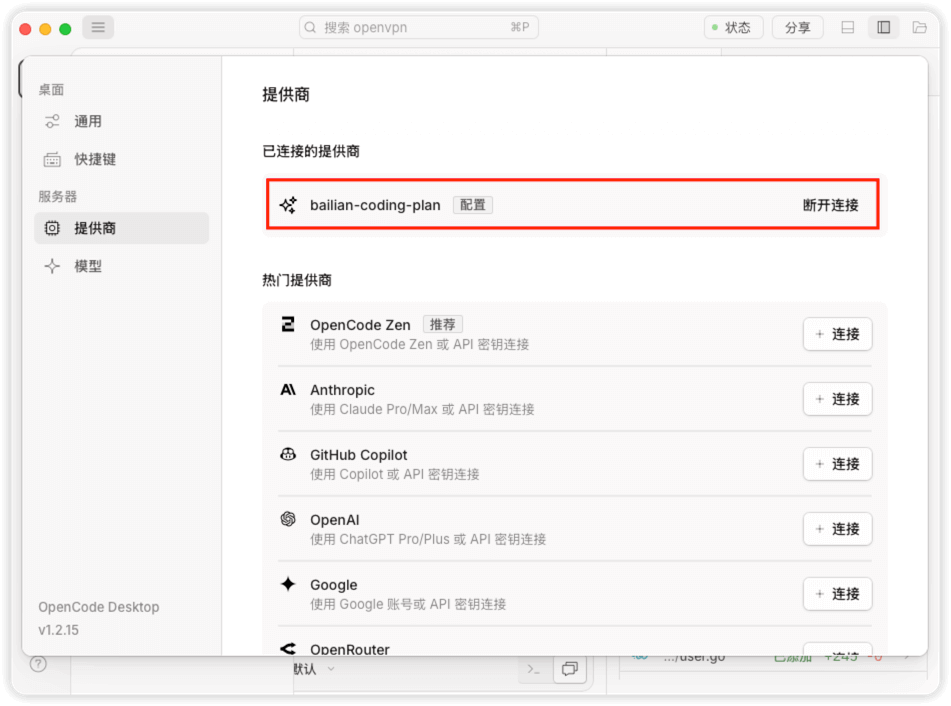
配置文件中 provider.bailian-coding-plan.name 指定的名称,是OpenCode桌面客户端中显示的名称
{
  "$schema": "https://opencode.ai/config.json",
  "provider": {
    "bailian-coding-plan": {
      "npm": "@ai-sdk/anthropic",
      "name": "Model Studio Coding Plan",
      "options": {
        "baseURL": "https://coding.dashscope.aliyuncs.com/apps/anthropic/v1",
        "apiKey": "YOUR_API_KEY"
      },
      "models": {
        "qwen3.5-plus": {
          "name": "Qwen3.5 Plus",
          "modalities": {
            "input": [
              "text",
              "image"
            ],
            "output": [
              "text"
            ]
          },
          "options": {
            "thinking": {
              "type": "enabled",
              "budgetTokens": 1024
            }
          }
        },
        "qwen3-max-2026-01-23": {
          "name": "Qwen3 Max 2026-01-23"
        },
        "qwen3-coder-next": {
          "name": "Qwen3 Coder Next"
        },
        "qwen3-coder-plus": {
          "name": "Qwen3 Coder Plus"
        },
        "MiniMax-M2.5": {
          "name": "MiniMax M2.5",
          "options": {
            "thinking": {
              "type": "enabled",
              "budgetTokens": 1024
            }
          }
        },
        "glm-5": {
          "name": "GLM-5",
          "options": {
            "thinking": {
              "type": "enabled",
              "budgetTokens": 1024
            }
          }
        },
        "glm-4.7": {
          "name": "GLM-4.7",
          "options": {
            "thinking": {
              "type": "enabled",
              "budgetTokens": 1024
            }
          }
        },
        "kimi-k2.5": {
          "name": "Kimi K2.5",
          "modalities": {
            "input": [
              "text",
              "image"
            ],
            "output": [
              "text"
            ]
          },
          "options": {
            "thinking": {
              "type": "enabled",
              "budgetTokens": 1024
            }
          }
        }
      }
    }
  }
}
选择模型
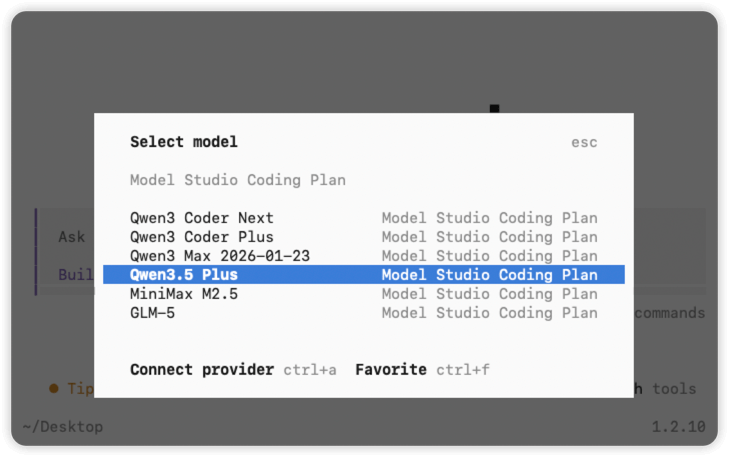
在命令行输入 /models ,输入 Model Studio Coding Plan ,选择模型后即可使用
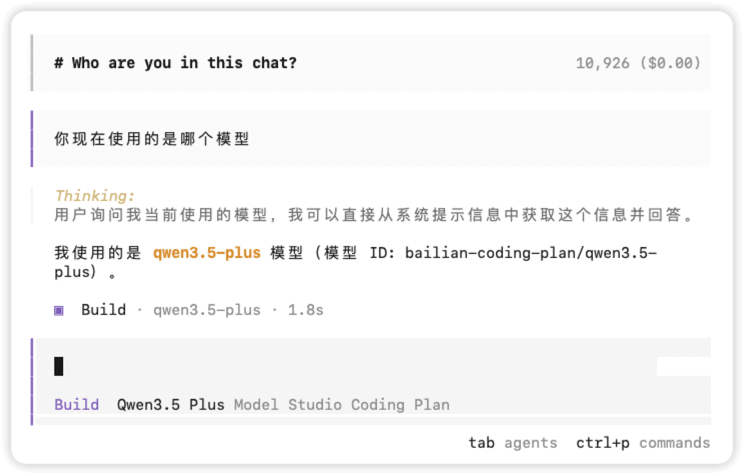
向ai提问
在OpenCode桌面客户端中,可以选择相应的模型